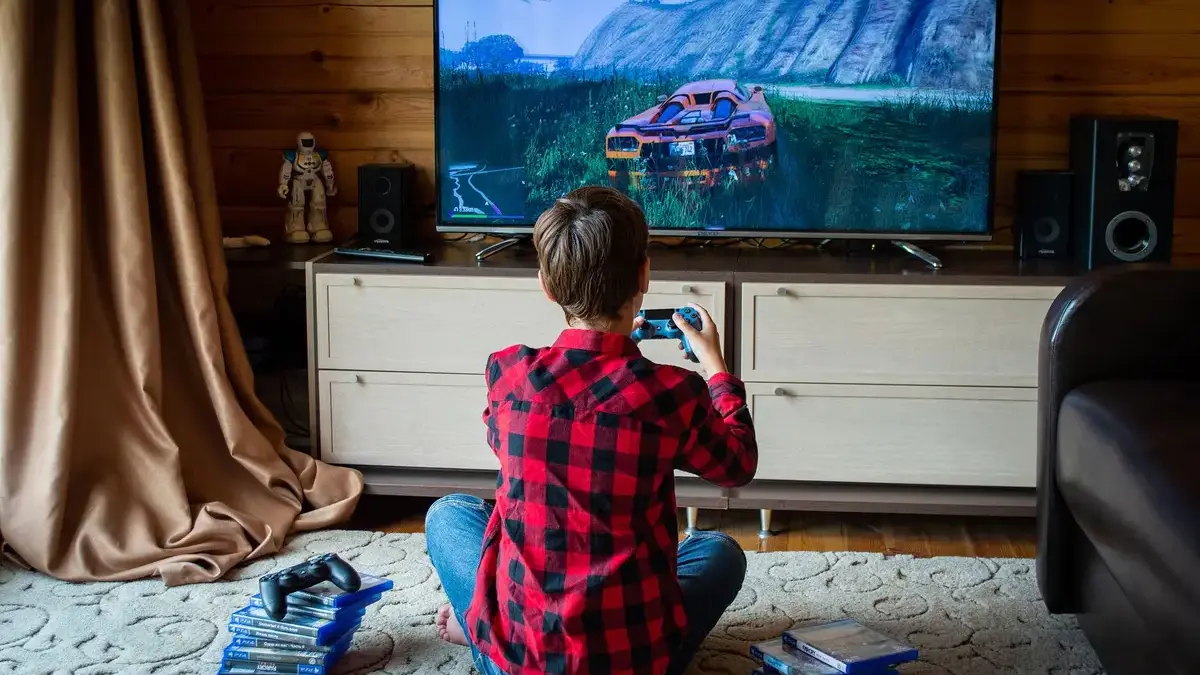
Turn motion blur to 0, switch camera shake off, lower camera bob, set Movement Speed to Run, keep subtitles on, and calibrate brightness after your console's HDR. There's no graphics mode to pick: every version targets 30fps, including PS5 Pro. These picks come from two launch guides, Red Bull and Output Lag, which agree on most things. Where they differ, we show both.
Change These First
| Setting | Where | Try | Why |
|---|---|---|---|
| Motion Blur Strength | Settings > Display | 0 (default 3); 1–2 if 30fps feels choppy | Sharper image in motion. Both guides. |
| Brightness | Settings > Display | Run your console's HDR calibration first, then adjust until the Rockstar logo is just visible | Per Output Lag; Red Bull also says to set HDR to "On When Supported." |
| Camera Shake | Settings > Camera > Comfort | Off | Less nausea and clutter. Both guides. |
| Camera Bob | Settings > Camera > Comfort | 3–5 (Red Bull) or 0 (Output Lag, if you feel queasy); default 10 | The default is strong. |
| Movement Speed | Settings > Gameplay | Run | Tap-to-sprint is gone; you click the left stick to run. Per Output Lag. |
| Subtitles | Settings > UI | On, widest option, with speaker names | Radio and gunfire drown out dialogue. Per Red Bull. |
| Minimap | HUD settings | Always visible (not Dynamic) | Per Red Bull. |
| Vehicle Radio | Settings > Audio | Off, if you don't want it starting every time you get in a car | Per Output Lag. |
Aiming and Controller
| Setting | Red Bull | Output Lag |
|---|---|---|
| Targeting | Partial | Partial (default) |
| Aim Assist Strength | 4 | 4 (default) |
| Shooting Assist, Drive-By Assist, Quick Draw | On | On (default) |
| Look sensitivity | 7 (default) or higher | 9–10 (max 14) |
| Aim sensitivity | 5–6 | 9–10 |
| Aim response curve | Standard | Linear for precision; Standard is more forgiving up close |
| Deadzones | As low as possible without drift | Start at 4; right stick 0 and left about 2 if aim feels sluggish |
The two guides disagree most on sensitivity. Start at the default 7, then move toward 5 if you overshoot targets or toward 10 if turning feels slow. Lower the deadzones a step at a time and back off one step if the camera starts drifting on its own.
Control Scheme
Settings > Control Scheme has three layouts. The Classic scheme puts run on X (A on Xbox), closer to GTA V, and there's a left-handed layout. Out of the box the handbrake is on X/A rather than a shoulder button, per Red Bull. On PS5, Output Lag suggests mapping the touchpad to the map for one-press access.
Camera
- Camera height: separate settings for on foot and in vehicles; Medium is the default, High gives a wider view.
- Camera distance: hold down on the d-pad to cycle three distances.
- Follow speed: separate sliders for on foot, driving, passengers, aircraft and underwater.
- Phone in first person: Settings > Camera > Comfort > Phone Display. It's the only first-person view at launch (first-person in GTA 6).
Audio and Accessibility
- Keep dialogue high; drop music and effects to about 7–8 if they bury voices (Red Bull).
- Tinnitus Reduction softens the ringing after explosions on headsets.
- Mute Licensed Music if you stream or record, though Red Bull warns it doesn't clear everything.
- Tap Assist and Simplified Mini Games take the mashing out of hot-wiring, workouts and basketball; Fishing: Hold makes reeling easier (fishing guide).
- Screen Narration is under Settings > Audio > Narration if you don't want menus read aloud.
Your TV
Turn on your TV's Game Mode and switch off motion smoothing and other picture "enhancers." 120Hz output and VRR won't raise the frame rate above 30, but Red Bull says they don't hurt. PS5 Pro adds PSSR upscaling and Pro-only ray-traced shadows, but no 60fps mode (graphics and performance). Something not working? See how to fix GTA 6.
Frequently Asked Questions
What are the best settings for GTA 6?
Start with motion blur at 0, camera shake off, camera bob lowered from 10, Movement Speed set to Run and subtitles on, then calibrate brightness after your console's HDR, per launch guides from Red Bull and Output Lag.
Does GTA 6 have a performance mode?
No. Every version targets 30fps, including PS5 Pro, which adds sharper upscaling and ray-traced shadows but no 60fps option.
How do you sprint in GTA 6?
Click the left stick. Tap-to-sprint was removed; setting Movement Speed to Run under Gameplay makes running the default.
Sources
- Red Bull: GTA 6 best settings, the options you should change first on PS5 and Xbox (Nov 20, 2026)
- Output Lag: GTA 6 best settings and controls for PS5 and Xbox