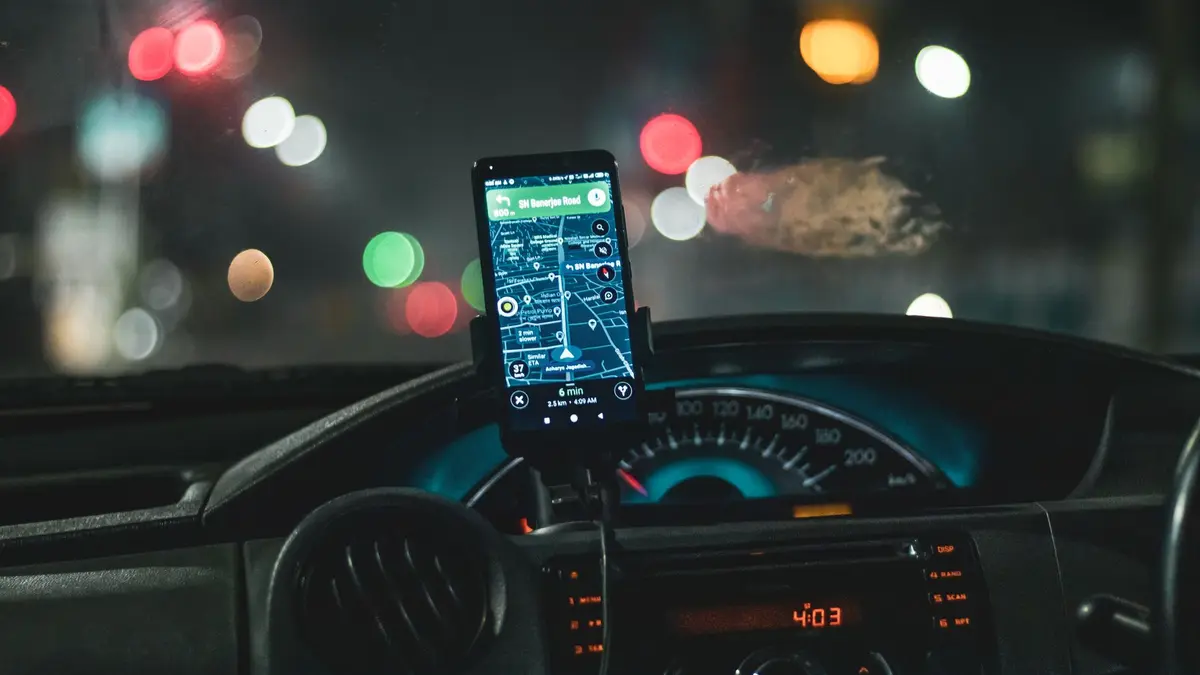
Signal with a tap of the d-pad left or right, flick the headlights with Circle / B (hold it to duck), and use the handbrake on Cross / A for tight turns. Hazards and windows live in the vehicle menu (hold d-pad left). Cars are heavier than in GTA 5 and differ a lot by class: in the stat bars we track, super cars average 7.3 for road handling and 3.8 off road, while SUVs and pickups handle clearly better off the tarmac than on it.
This guide gathers how driving works in the released game: the buttons you use in a car, how each class handles, the camera, fuel and damage, shooting from the driver's seat, letting your partner drive, and what the police know about your car. Button layouts come from Shacknews' and GTABase's control lists; the handling figures are our own averages of the stat bars in our vehicle database.
The Buttons You Use in a Car
| What | PS5 | Xbox | Notes |
|---|---|---|---|
| Accelerate / brake and reverse | R2 / L2 | RT / LT | |
| Handbrake | Cross | A | Tight turns, U-turns, sliding the back out |
| Horn / nitrous | L3 | Left stick click | Nitrous only once a mod shop fits it |
| Headlights | Circle (tap) | B (tap) | |
| Duck in your seat | Circle (hold) | B (hold) | Keeps your head below the windows |
| Turn signal left / right | D-pad Left / Right (tap) | D-pad Left / Right (tap) | Holding opens a menu instead |
| Vehicle menu (hazards, windows) | D-pad Left (hold) | D-pad Left (hold) | Hazards per GamerBlurb; windows per Supercar Blondie |
| Partner menu | D-pad Right (hold) | D-pad Right (hold) | When Jason and Lucia ride together |
| Minimap and fuel / camera and quick menu | D-pad Down (tap / hold) | D-pad Down (tap / hold) | See the camera section below |
| Look behind | R3 (hold) | Right stick click (hold) | |
| Shoot from the car | R1 | RB | Aim with the right stick |
| Sidearm (tap) / loadout (hold) | L1 | LB | |
| Get out / stop then get out / bail out with the engine running | Triangle / hold / double tap | Y / hold / double tap |
Default layout. The Classic scheme moves a few of these; our full controls guide has every context and both alternative schemes.
Do signals do anything? GamerBlurb found no confirmed reward for using them in ordinary traffic and couldn't say whether other drivers or the police react, so for now they're for role-play and for clips. Holding the d-pad instead of tapping is the common mistake: you get a menu, not a blinker.
How the Cars Handle
Before launch, Rockstar co-studio head Rob Nelson told TGG the aim was to keep “some of the best parts of the weightiness and feel of GTA 4” with “the accessibility of GTA 5,” with more control over drivetrain, tires, suspension and steering (reported by GamesRadar+, Sep 4, 2026). Reviews quoted by Supercar Blondie back that up: crashes are harsher than in earlier games, and wheels and axles are modeled and visible when a car flips. GTABoss also notes that roads are narrower and traffic denser than in GTA 5; it marks that as not yet confirmed.
The stat bars give a cleaner picture. Averaging the road and off-road handling of the 151 vehicles with published stats, class by class:
What stands out:
- Three classes handle clearly better off the road than on it: SUVs (5.2 vs 3.9), pickups (5.3 vs 3.3) and the off-road class (6.9 vs 2.8). If your route cuts across the Grassrivers or the Kalaga trails, take one of these. Coupes and sedans also edge slightly higher off road (4.3 vs 4.2 and 4.2 vs 4.1), but both are middling either way.
- Super cars are the opposite. They average 7.3 on tarmac and 3.8 on dirt, a gap of 3.5. The Pegassi Vitello has the best road handling of any vehicle (8.2).
- Bikes swing widest. The Principe Alvino V1 handles at 7.9 on the road, second only to the Vitello among all 151 vehicles, while three dirt bikes, the '72 Western Cliffhanger, Maibatsu Manchez and Maibatsu Sanchez, tie for the class lead off road (7.7).
- Vans are the worst all-rounders (3.2 road, 3.2 off road). Inven Global's advice is to use sturdy SUVs when you need durability and boot space for loot.
- The best off-roader of all is the Mer-Can Outlaw (8.4).
Handling isn't fixed: mod shops change a car's handling and stats as well as its looks (Supercar Blondie, GTABoss). Which car is fastest overall in each class: best car in every class. Build your own ranking with your own weights: vehicle ranker.
Camera Views
- Three camera heights. In a car or boat, hold down on the d-pad, pick one of three heights and confirm (Engadget). The same menu holds Cinematic View, which looks good and steers worse.
- One label, two descriptions. Shacknews' control list calls held d-pad down “Quick Navigation”; Engadget and Beebom use it for the camera heights and Cinematic View. It looks like one menu described two ways, but neither source says so outright.
- No first-person driving. There's no full first-person mode; the only first-person views are looking closely on foot and looking at your phone, which works while driving (Engadget; more in first person in GTA 6).
- Follow speed: Settings > Camera has separate vehicle follow speeds for drivers and passengers, and an aircraft option for following barrel rolls (Engadget). More picks in best settings.
Fuel, Charging and Damage
- Fuel is light. The gauge mostly shows when you're low, and a refuel takes about 10 seconds (Supercar Blondie, from reviews). Tap d-pad down to check it. Inven Global's tip: look at fuel before a long trip.
- Electric cars charge at chargers at gas stations, not at the pumps. Every station, and what happens when you run dry: gas stations.
- Engine damage costs fuel. A damaged engine holds its fuel less well (Supercar Blondie; GTABoss marks it unconfirmed), and there's an engine condition meter as well as a fuel gauge (Inven Global).
- Fix it early. Gas stations handle light damage; heavier damage needs a Pay 'N' Spray or mod shop. GTABoss paid $725 to repair a damaged '72 Western Cliffhanger, and saw some repairs for free. Recovering wrecked or impounded cars: repair and recover.
Shooting From the Car
Press R1 / RB to fire from the driver's seat and steer your aim with the right stick; there's no separate aim button, because L2 / LT is your brake (GamerBlurb). Equip the gun you want before you get in. Tap L1 / LB for a sidearm or hold it for the loadout wheel.
With both characters in the car, one can drive while the other shoots from the passenger seat (GamerBlurb). Rockstar's pre-launch gameplay showed the shooter leaning their whole upper body out of the window with a rifle (AllThingsHow, from the extended look). Which guns work from which seats isn't documented so far.
Holding Circle / B ducks you below the windows, which is the move when you're being shot at rather than shooting. Fighting on foot: combat and stealth.
Letting Your Partner Drive
- Hand over the wheel: when Jason and Lucia travel together, hold d-pad right and press R1 / RB to switch, and the other one drives (Beebom).
- Ask them to hurry: as the passenger, hold d-pad right and press Square / X (Beebom).
- In a chase: the partner menu can ask your partner to make a distraction (Inven Global).
- Use the ride: Rockstar's own pitch before launch was cruising the highway as Jason, or swapping to Lucia in the passenger seat to use the phone (Shacknews, Aug 26, 2026, citing Dazed). More on switching characters.
The Police and Your Car
Before launch, Rob Nelson said “the police know what we're driving.” Rockstar's extended look showed four things police can recognize (clothes, faces, car, and whether you're together), and swapping vehicles cleared the car icon (GamesRadar+, Aug 27, 2026). That's pre-launch footage; how long the car stays flagged in the released game isn't documented so far.
- Change cars or change the paint. A respray at a Pay 'N' Spray only works while you have heat (GTABoss). Locations: Pay 'N' Spray and Ammu-Nation.
- Ducking (hold Circle / B) hides your head from the window line.
- Don't auto-drive a getaway. The AI follows traffic rules and stops at red lights (Beebom).
How heat, stars and escapes work: the wanted system.
Long Trips
- Auto-drive: set a waypoint, enter Cinematic View and hold Circle / B. Steps and the setting it needs: auto-drive.
- RydeMe: tip the driver $5, up to twice, to go faster, or pay $100 to skip the trip (Inven Global). Details: fast travel.
- Scooter Bros delivers a repaired car of yours to where you are, for a fee; Premium includes three free deliveries a day (Inven Global).
- Getting a car worth driving: stealing and registering cars, and selling the ones you don't want.
Frequently Asked Questions
How do you use turn signals in GTA 6?
Tap the d-pad left or right while driving, on PS5 and Xbox. Holding instead opens the vehicle menu (left) or partner menu (right).
How do you turn on hazard lights in GTA 6?
Hold the d-pad left to open the vehicle menu and choose Hazards, per GamerBlurb.
How do you shoot while driving in GTA 6?
Press R1 on PS5 or RB on Xbox and aim with the right stick. Equip the gun before you get in; L2 / LT stays the brake.
How do you duck in a car in GTA 6?
Hold Circle on PS5 or B on Xbox. A tap of the same button switches the headlights.
Is there first-person driving in GTA 6?
No. GTA 6 has no full first-person mode at launch; in a car you can choose one of three camera heights or Cinematic View by holding the d-pad down.
Which cars handle best off road in GTA 6?
Off-road vehicles, pickups and SUVs: in the stat bars, their average off-road handling beats their road handling by a point or more. The Mer-Can Outlaw rates highest (8.4).
Sources
- Shacknews: GTA 6 PS5 controls (Nov 18, 2026)
- GTABase: GTA 6 controls guide, PS5 and Xbox (updated Nov 22, 2026)
- GamerBlurb: how to use turn signals in GTA 6 (Nov 19, 2026)
- GamerBlurb: how to shoot while driving in GTA 6 (Nov 19, 2026)
- Engadget: how to switch camera views in GTA 6
- Beebom: how to auto-drive in GTA 6 (Nov 19, 2026)
- Inven Global: 13 beginner tips for GTA 6 (Nov 18, 2026)
- Supercar Blondie: how GTA 6's cars work in-game (updated Nov 20, 2026)
- GTABoss: GTA 6 driving, fuel, gas stations and mod shops (updated Nov 20, 2026)
- GamesRadar+: Rob Nelson on GTA 6 driving, via TGG (Sep 4, 2026; pre-launch)
- GamesRadar+: GTA 6 wanted system and what police track (Aug 27, 2026; pre-launch)
- Dexerto GTA 6 vehicle database (stat bars behind our handling averages)